Schedule Widget

Scriptable
Widget Size
Data Source
Schedule Type
Theme
Status
Last Updated
Schedule Widget

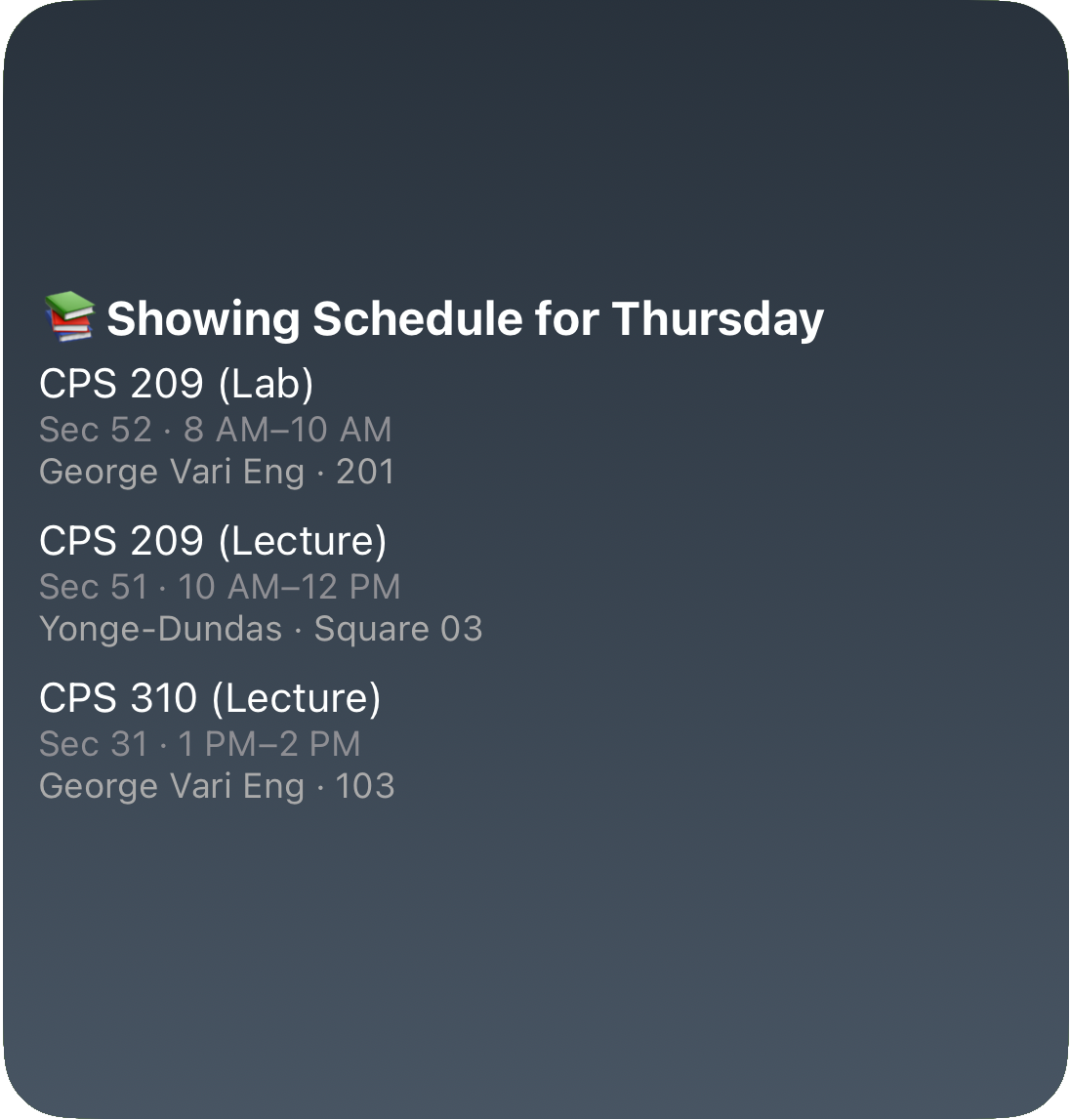
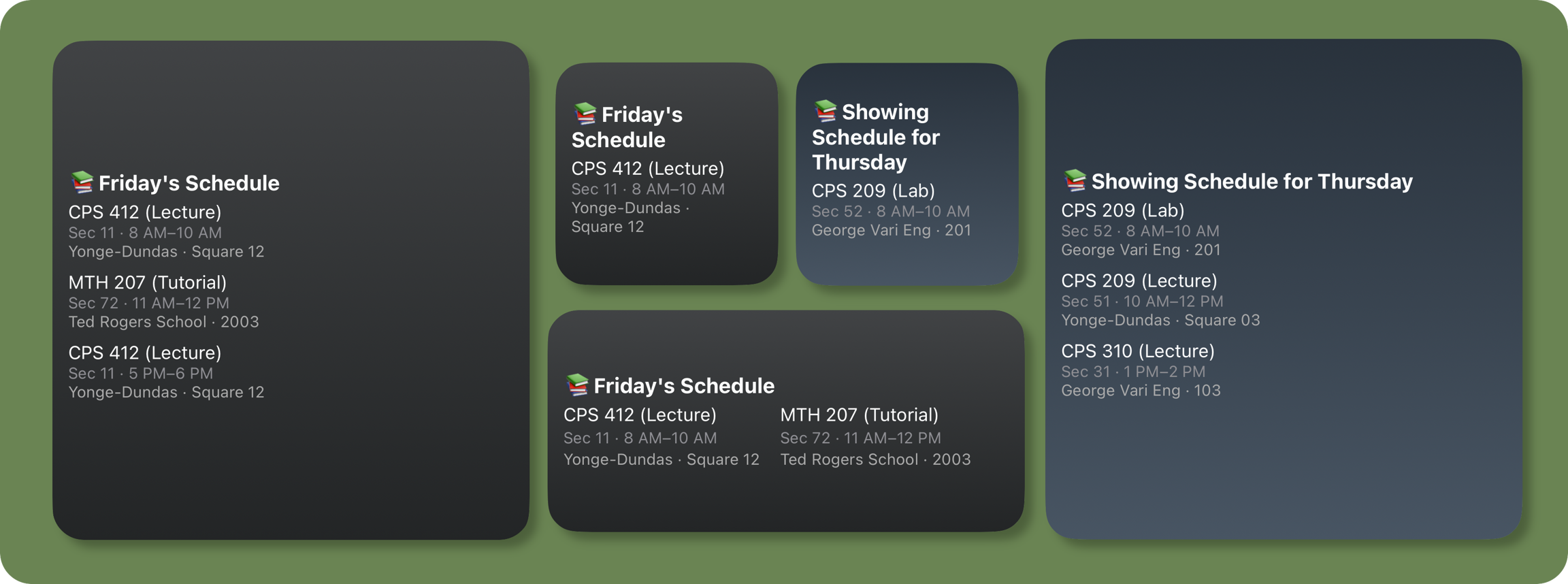
A powerful iOS widget built with Scriptable that displays your university or high school class schedule directly from a public Google Sheet.

It dynamically adapts to the day of the week, highlights the current or upcoming class, and supports a weekly overview.

Designed to bring clarity to your dayโ€”at a glance.

โœจ Features

  • ๐Ÿ—“๏ธ Automatically shows todayโ€™s classes

  • โฑ๏ธ Displays countdown to current or next class

  • ๐Ÿ“… Full weekly overview with full view mode

  • ๐ŸŒˆ Gradient backgrounds based on weekday

  • ๐Ÿ” Simulated time/day view for preview/testing

  • ๐Ÿ”„ Auto-refresh every 15 minutes

๐Ÿ“‚ Google Sheet Format

The Sheet should be published to the web as a CSV file.

Required Columns

Your CSV must contain the following headers:

Day

Start

End

Title

Type

Section

Building

Location

Example row:

Day
Start
End
Title
Type
Section
Building
Location

1

10:00

11:30

CPS109

Lecture

011

VIC

105

Where Day is:

  • 0 = Sunday

  • 1 = Monday

  • ...

  • 6 = Saturday

๐Ÿ”— How to Get Your Google Sheets CSV URL

  1. Open your Google Sheet

  2. Click on File > Share > Publish to web

  3. Choose Comma-separated values (.csv) and the correct sheet/tab

  4. Copy the generated link

It will look like this:

Paste it into your script by replacing the value of SHEET_URL.

๐Ÿ“ Widget Sizes and Modes

Default Mode

Shows classes for today based on current system time.

Full View Mode

Shows the entire weekโ€™s schedule in grid format. Set the parameter:

Simulate Specific Day or Time

To test future days or class times:

View Other Days

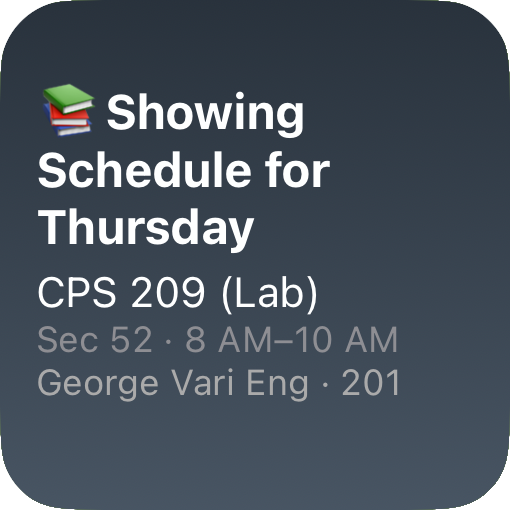
To view the schedule for a specific day:

โš™๏ธ Widget Parameters

Use any of the following:

Parameter
Purpose

full view

Show weekly grid

test tue 11:00

Simulate time + weekday

get wed

Show Wednesday's classes

(empty)

Show todayโ€™s schedule (default)

๐ŸŽจ Gradient Themes

Each day of the week has its own background theme, defined in the code as:

Feel free to modify these for your aesthetic preference.

๐Ÿ“ธ Screenshot

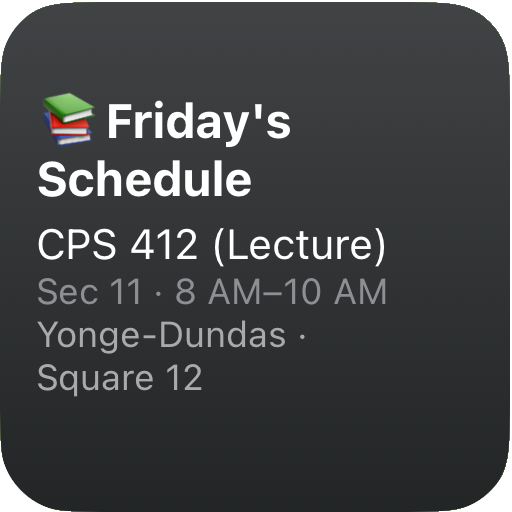
Small Widget

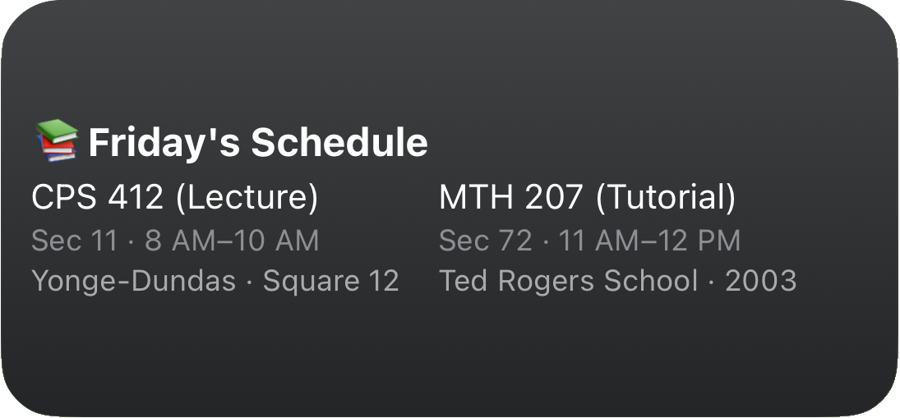
Medium Widget

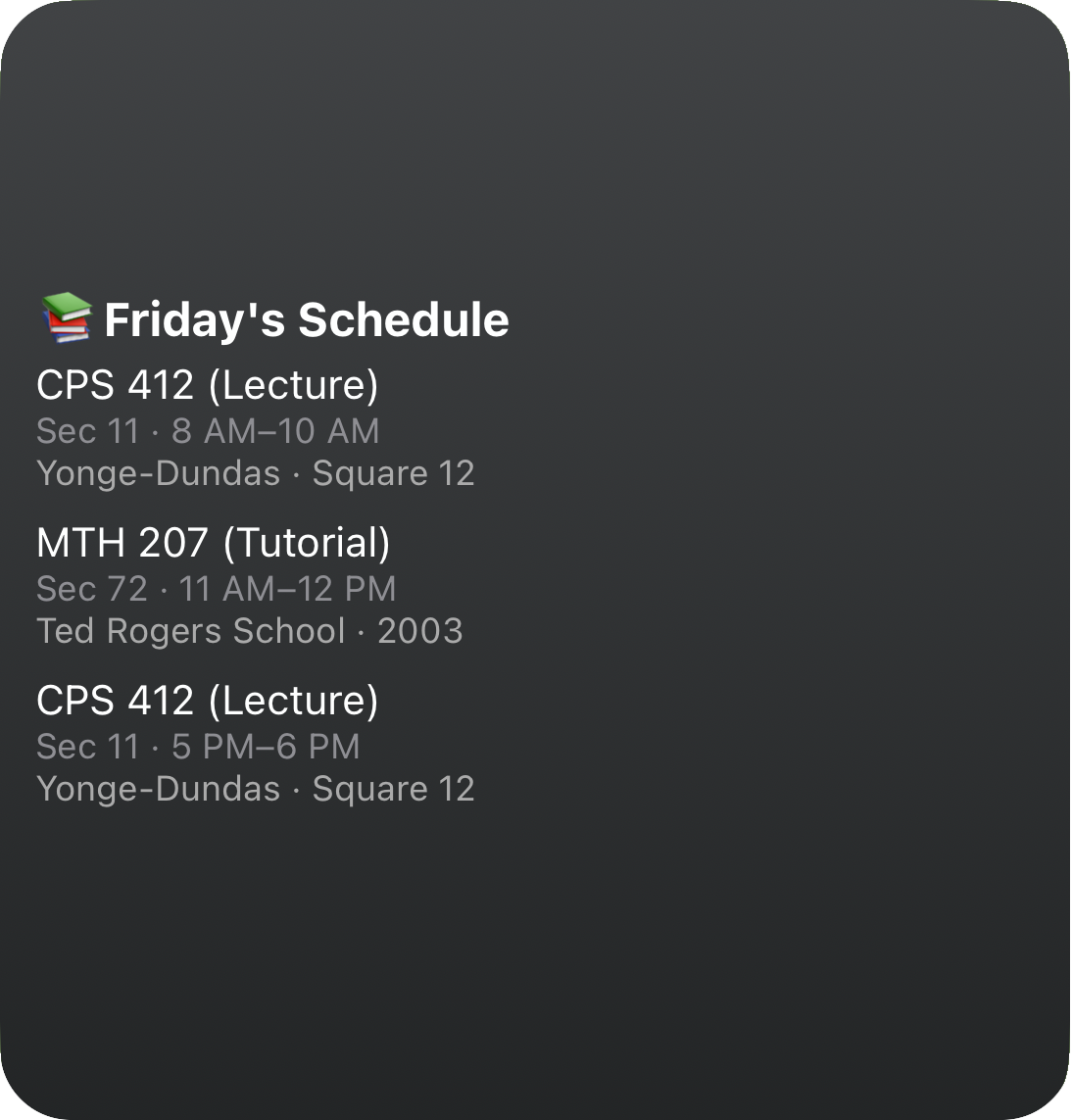
large Widget

๐Ÿงช Development Tips

  • During testing, use widget.presentLarge() to preview widget output in-app.

  • Use console.log() to debug any parsing issues.

  • Always ensure your Google Sheet is public and published as CSV.

๐Ÿ™Œ Feedback

Have questions or want help customizing it? DM me on Instagramarrow-up-right or email me at rushiofficial1205@gmail.comenvelope.

Widgets shouldnโ€™t be limited to timersโ€”Iโ€™d love to build tools that help you passively learn, reflect, or stay organized. If you have a unique concept in mind, Iโ€™d love to collaborate.

๐Ÿ“œ License

This project is licensed under the MIT License.

Feel free to fork, build upon, and remix with attribution.

Enjoy using this widget ~ RP

Last updated