

Welcome
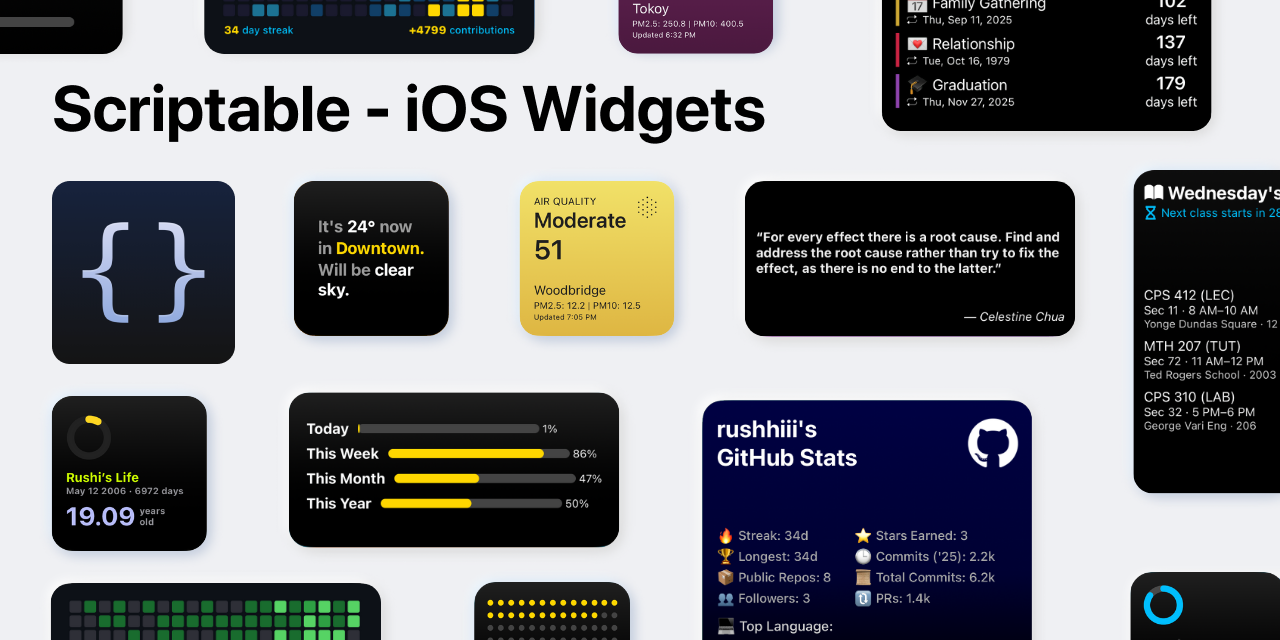
Scriptable iOS Widgets is the official handbook for every widget in this repository. You will find installation steps, configuration tables, troubleshooting tips, and links back to the source code so you can confidently run each widget inside the Scriptable app.
Overview
This documentation focuses on clarity and repeatable setup:
Summaries of every widget and the problem it solves.
Step-by-step onboarding for Scriptable newcomers.
Centralized references for API keys, Google Sheets templates, and configuration parameters.
Community and support links collected in one place.
Quick Links
Spotlight Widgets
Visit the complete library to review every widget, learn about prerequisites, and copy the corresponding Scriptable files.
Get Started in Minutes
Install Scriptable from the iOS App Store and grant necessary permissions (location, calendar, etc.).
Pick a widget from the library and read its guide end-to-end.
Copy the JavaScript file into Scriptable and add required configuration (API keys, parameters, or Google Sheets links).
Run the script inside Scriptable to validate network calls and formatting.
Add the widget to the home screen, set its parameter string, and verify refresh behavior.
Why Teams Use These Widgets
Actively maintained: scripts receive iterative updates as APIs or iOS behaviors change.
Well documented: every widget page includes prerequisites, configuration tables, and troubleshooting sections.
Customizable: colors, layouts, data sources, and refresh intervals are exposed via constants or parameters.
Efficient: careful data fetching keeps battery impact low while still delivering live information.
Support and Community
Need onboarding help or want to showcase your widget layout? Open a discussion thread and include screenshots or configuration snippets so others can learn from your setup.
Last updated